A tour of a generated application
These screenshots are from the Sales application, generated from applications/sales.cedm.yaml
with no hand edits.
The dashboard
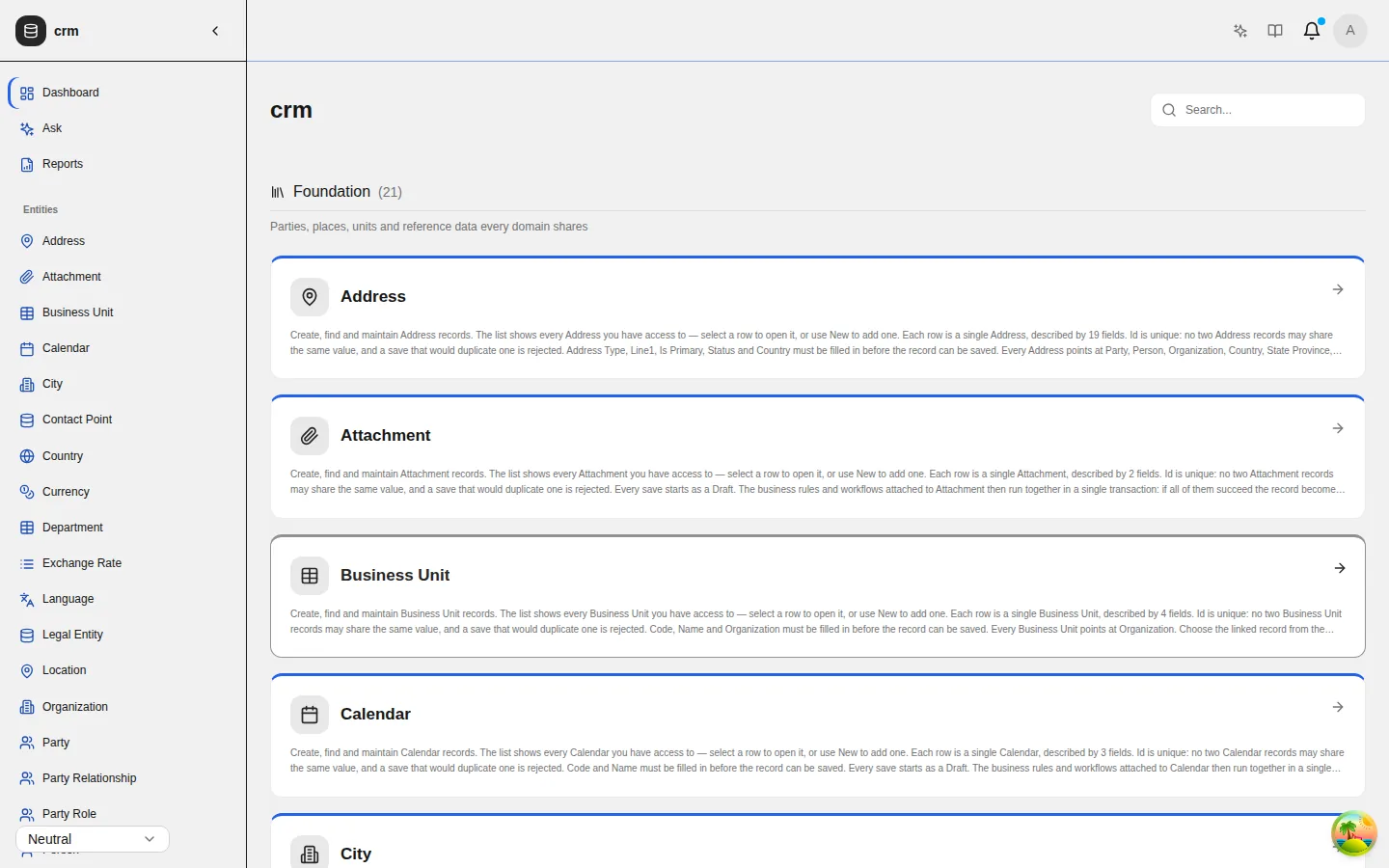
The dashboard groups entities into the categories the model declares, and shows each signed-in person only the entities their role may read.
Lists and records
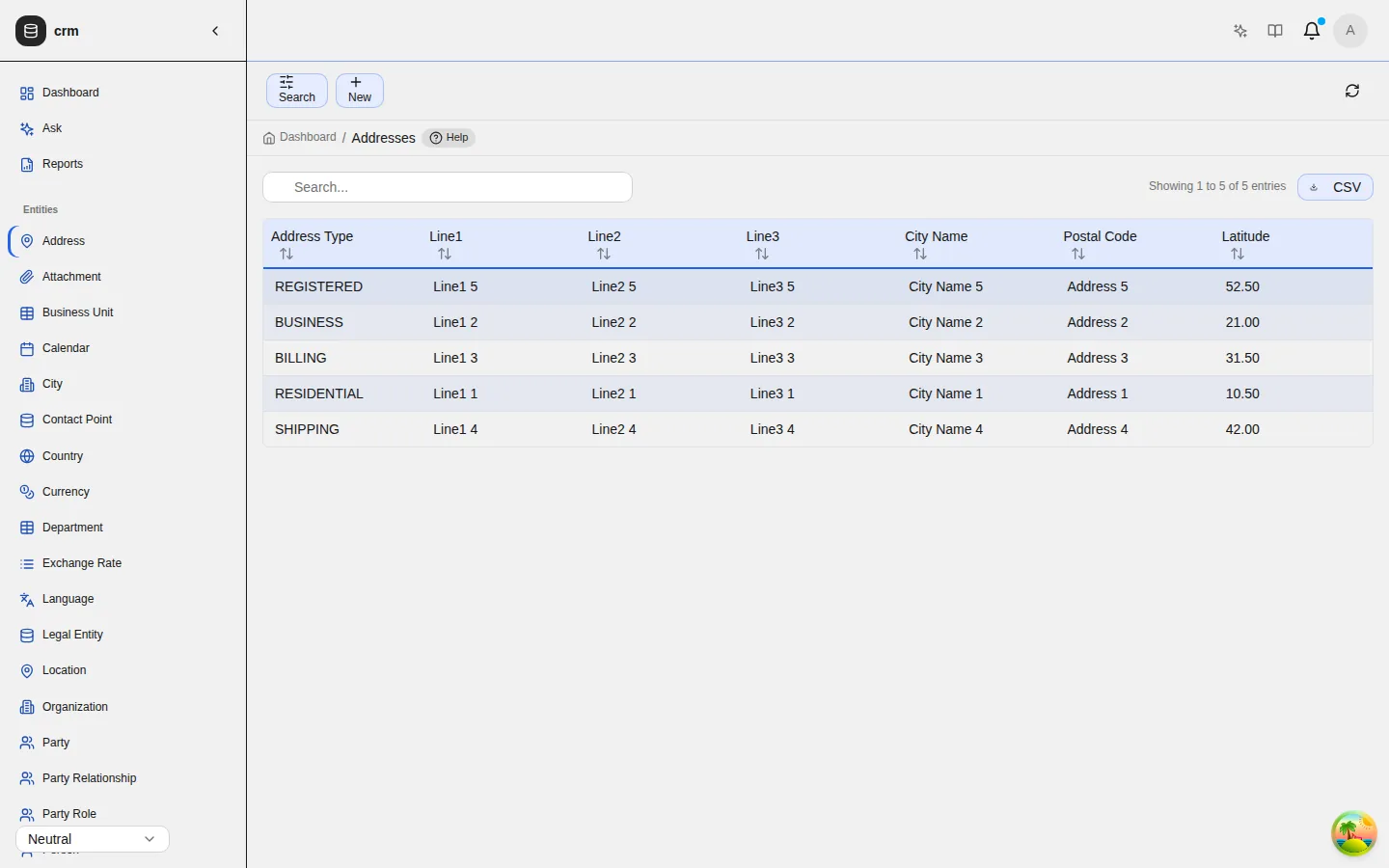
A list is read newest first, and can be filtered, searched, sorted and paged. New opens a page of its own, and its action is labelled Create. A record opens read-only. Edit turns it into a form, and Delete is inside edit mode.
Forms and help
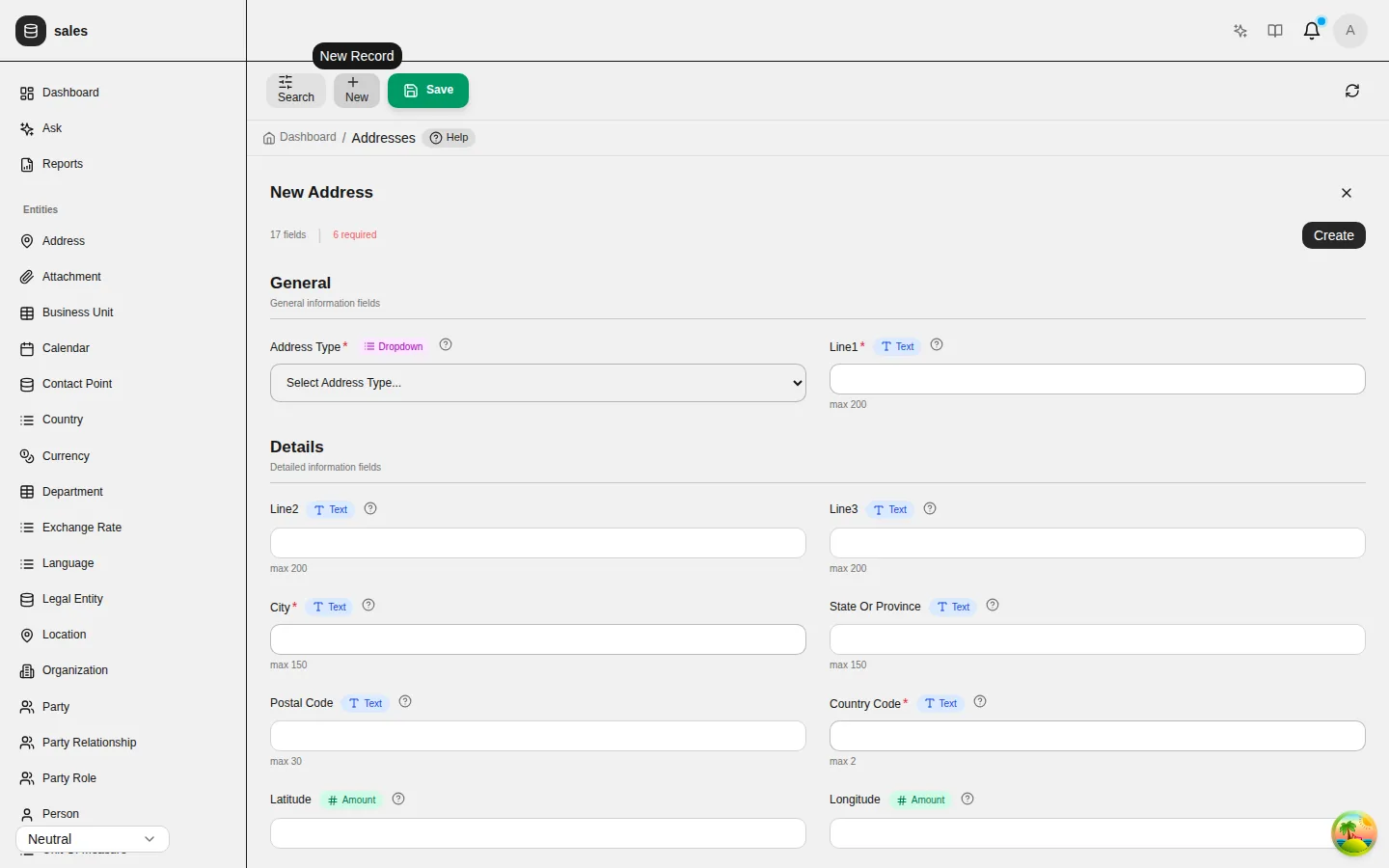
Forms are laid out in the sections the model declares. Every field carries the help text written in the model, and required fields are marked.
Lifecycles
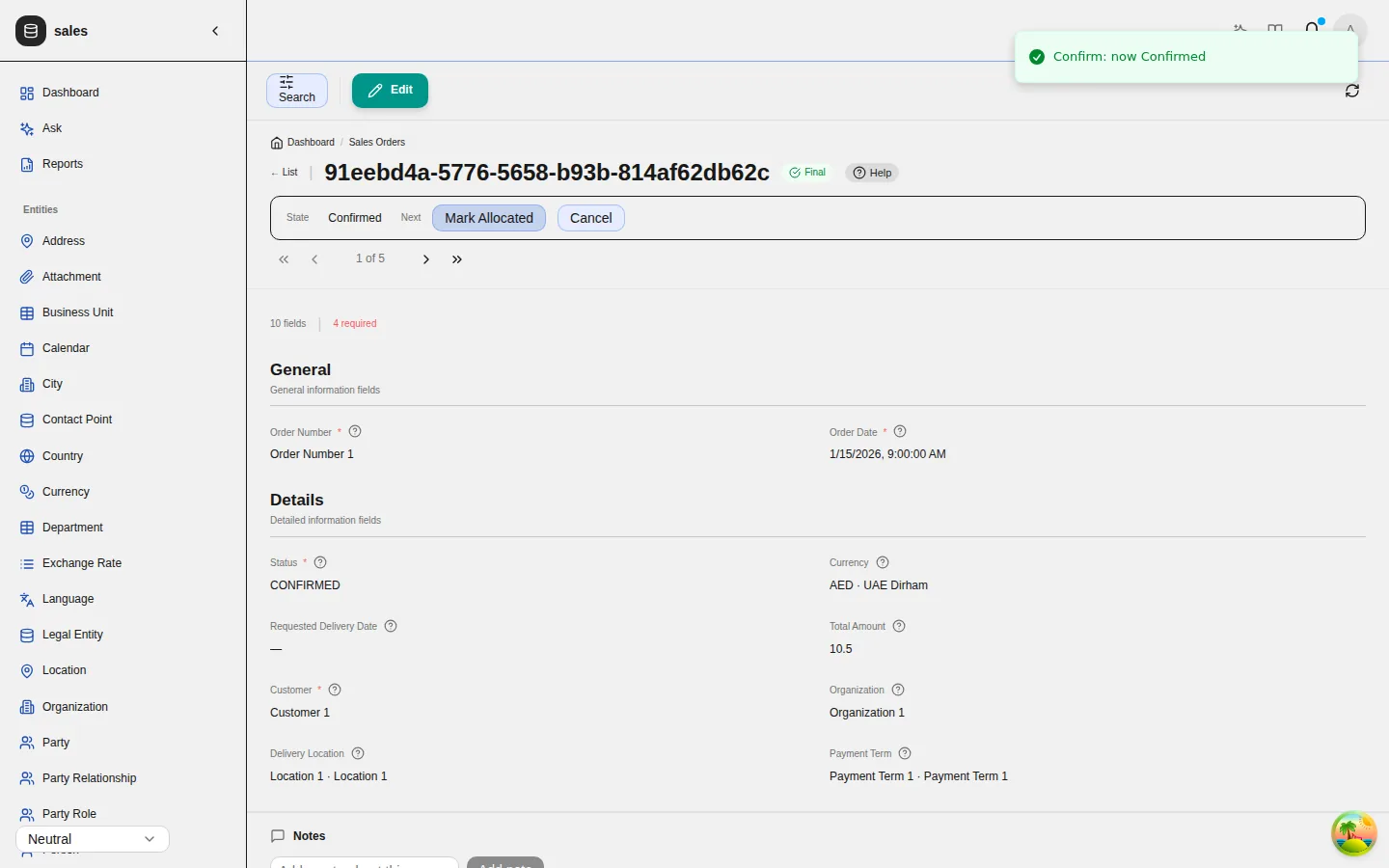
A record with a lifecycle shows its state and one button for each move this person may make, labelled by the state it enters. A record in a final state offers no Edit.
Narrowed choices
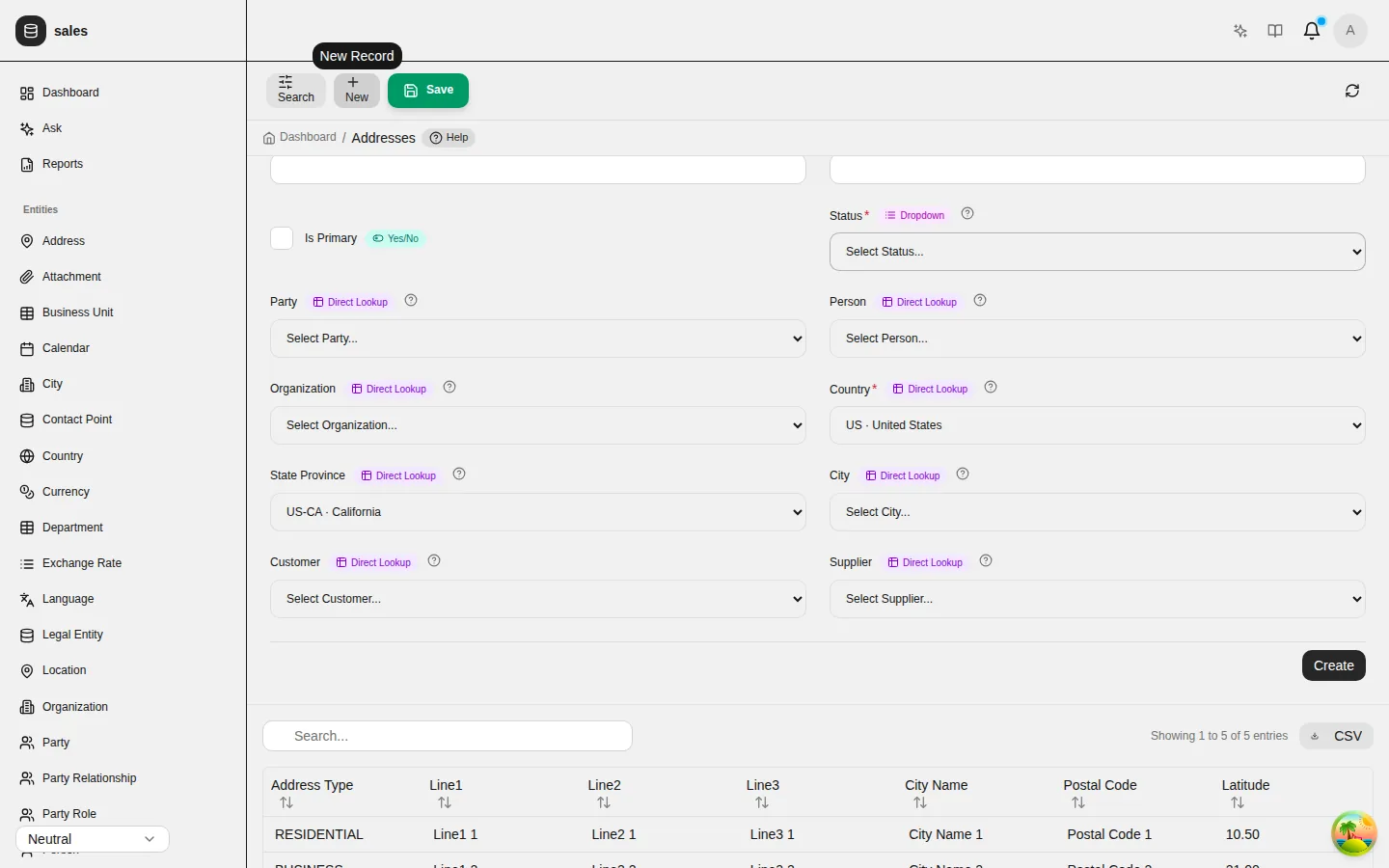
Address fields narrow each other. Choose a country, and only its states are offered.
Rules, automations and reports
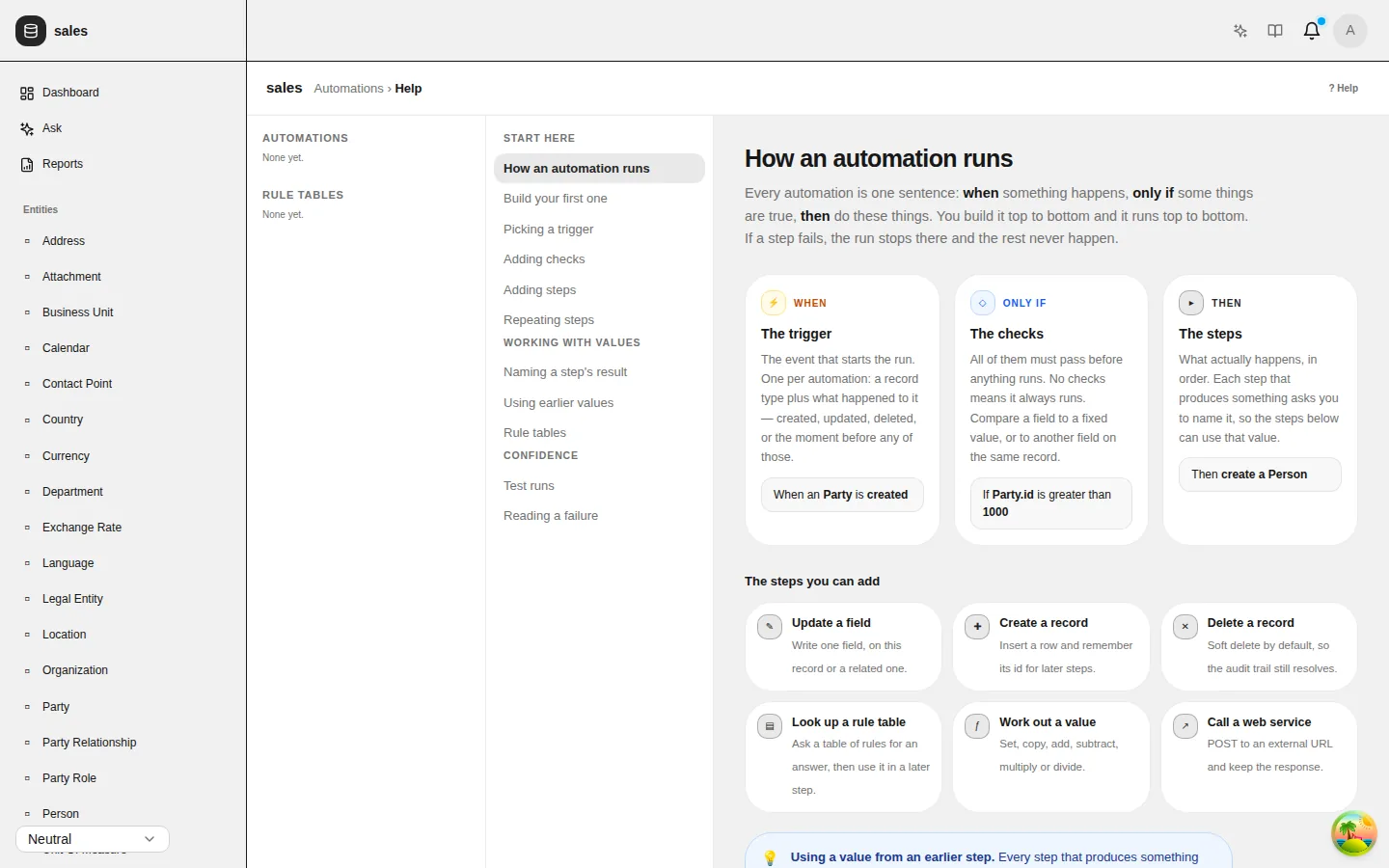
Administrators manage business rules, automations and status machines in the Rules and workflows screen, and run the reports the model declares under Reports.
Themes
Every application includes seven themes: neutral, butter, chocolate, matcha, stone, gothic and y2k. Each person can switch between them from the header.